Uncategorized
💻 How to Log In to Your Honors Turf & Pest Customer Portal & Pay Your Invoice
HT&P
Honors Turf & Pest
April 07, 2025
2 min read
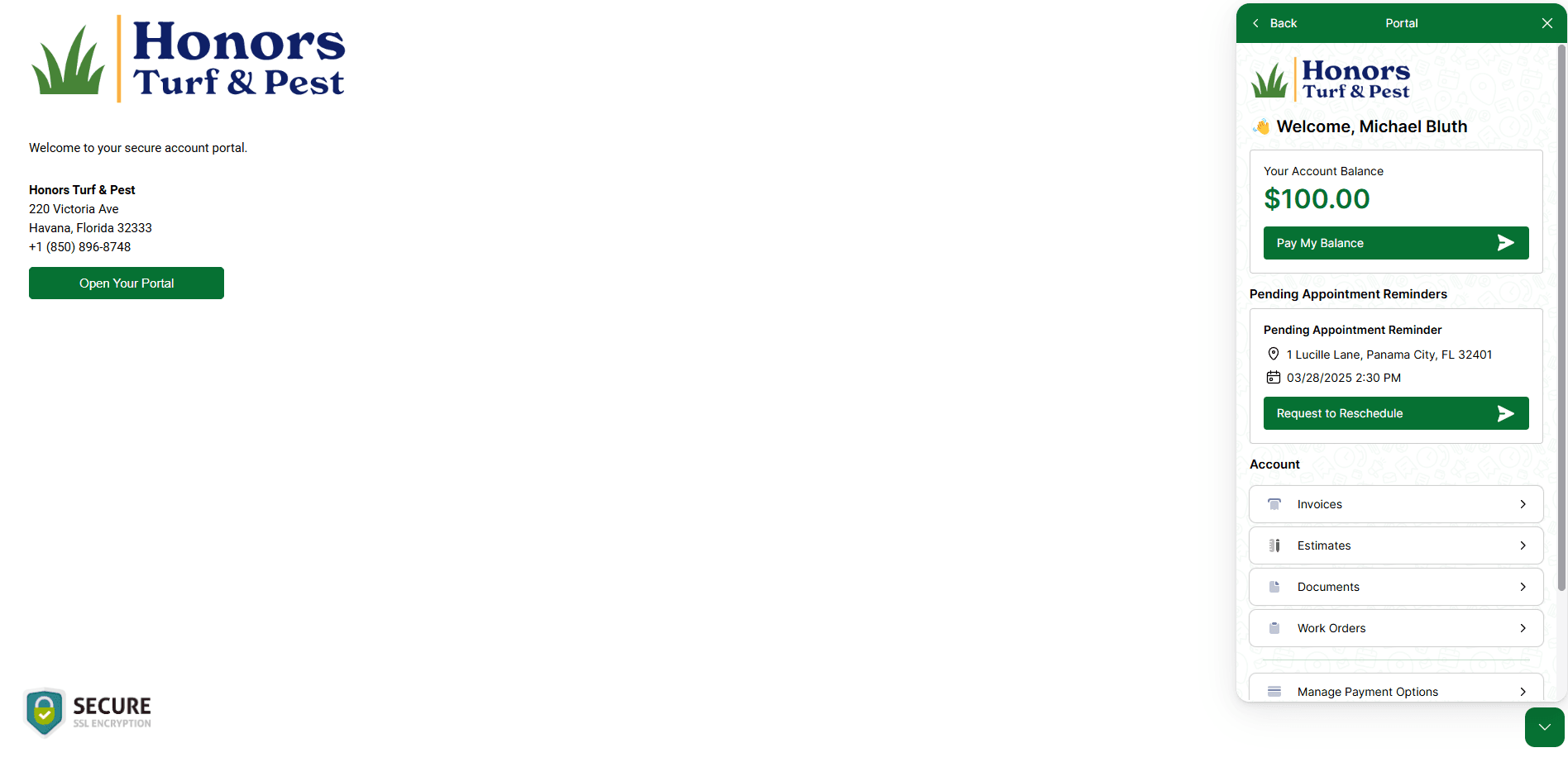
We’ve recently upgraded our system to give you easier access to your account, invoices, and payment options. Here’s how to log in and get started:
✅ Step 1: Visit the Portal
Click the link below to access the portal:
👉 [Customer Portal Link]
✅ Step 2: Open the Portal

If the login pop-up doesn’t open automatically, click the “Open Your Portal” button on the page.
✅ Step 3: Click “Customer Portal”

Once the pop-up appears, select “Customer Portal” to continue.
✅ Step 4: Log In or Set Your Password

- If you already have login credentials, enter your username and password to log in.
- If you haven’t set a password yet, click “Get login info” below the password field.
– Enter the email associated with your account
– You’ll receive a link via email to set your own password and complete your account setup.
✅ Step 5: Manage Your Account

After logging in, you’ll be able to:
- View and pay open invoices
- See your full account balance
- Update your profile and payment methods
- Enroll in automatic monthly payments (optional)
Need help? Just reply to any of our emails or schedule a call with us — we’re happy to assist.
Thanks again for choosing Honors Turf & Pest!